Hire Definitions
- Civic Match Hire
- Definition: The Civic Match program facilitated this hire! Hooray! Apply when:
- The candidate is in the database AND
- the job was publicly posted on our jobs board OR
- the hiring manager has confirmed that the candidate was hired from Civic Match (job may or may not have been posted, ex: we shared resumes or sent invitations to apply on behalf of the hiring manager) OR
- the candidate tells us that they applied for a role via Civic Match
- The candidate is in the database AND
- Definition: The Civic Match program facilitated this hire! Hooray! Apply when:
- SLG Hire - On Platform
- SLG = State / Local Government
- Definition: A Civic Match candidate was hired for this role, without direct involvement of the Civic Match team; however, the government they were hired for is a Civic Match customer. Apply when:
- A candidate notifies us or we become aware that a candidate has been hired for an SLG role and the office/government is a Civic Match customer
- SLG Hire - Off Platform
- SLG = State / Local Government
- Definition: A Civic Match candidate was hired for this role, without direct involvement of the Civic Match team and the government they were hired for is not a Civic Match customer. Apply when:
- A candidate notifies us or we become aware that a candidate has been hired for an SLG role and the customer is not a Civic Match customer
CM and SLG Hires Tracking Process
If you become aware that a candidate has been hired for an SLG role, take these steps:
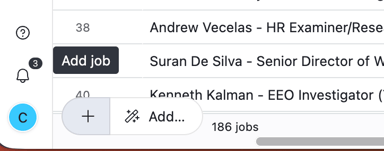
- Add the job the candidate was hired for to the CM/SLG Hires tab by creating a new record using the (+) Add Job button in the bottom right hand corner.
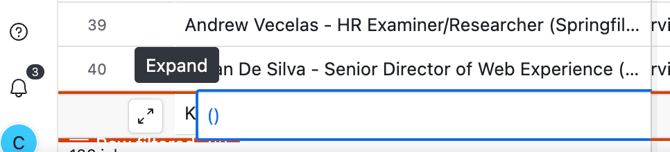
- A new record will appear. Expand the record.
- Select the Hired Candidate using (+ Add Candidate) button. Candidate details will auto-populate.
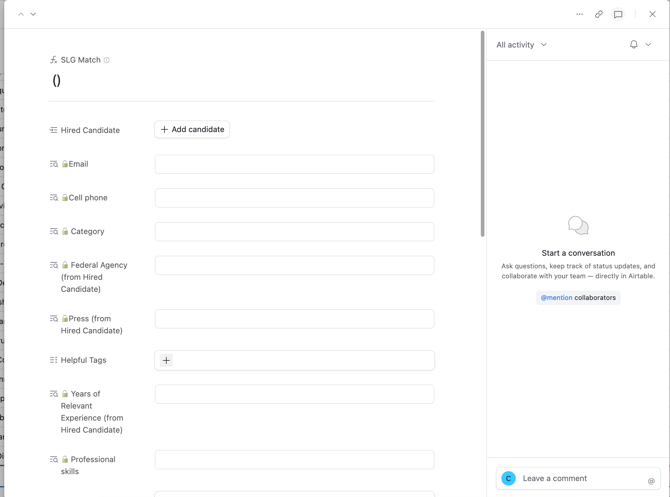
- Work through the fields and fill in all applicable information for the SLG role.
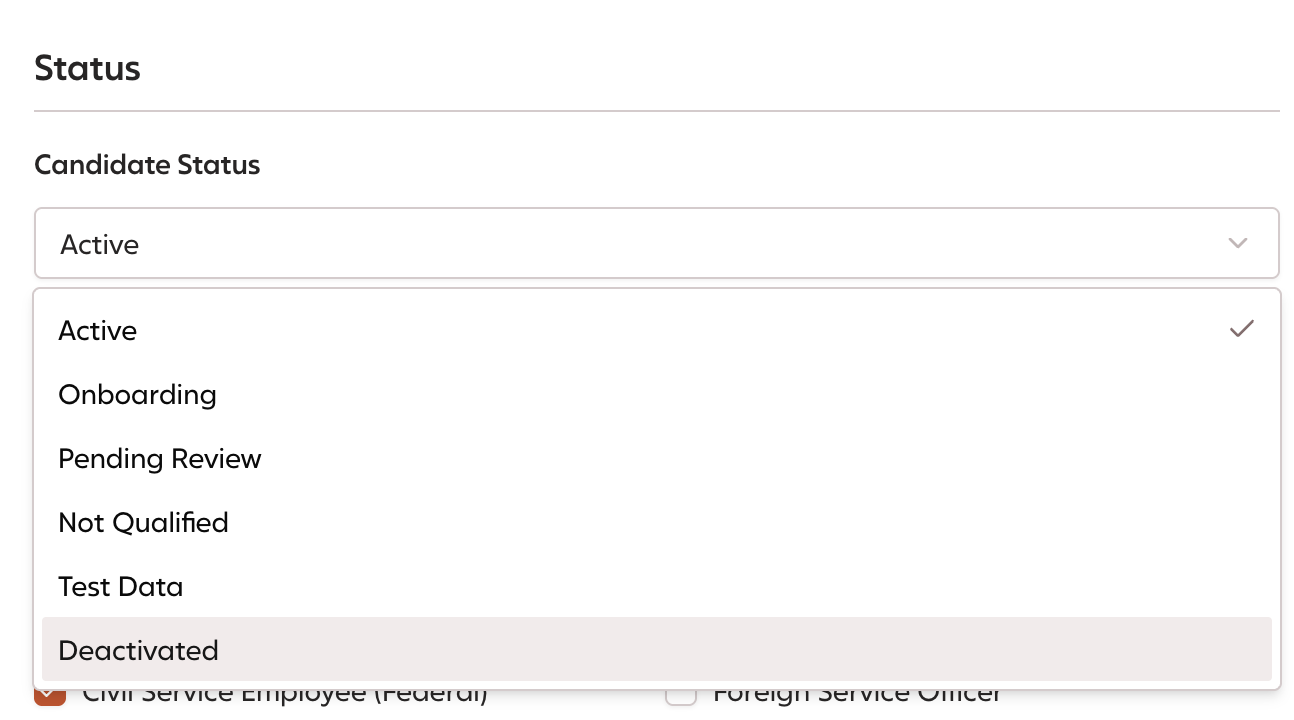
- Lastly, in Civic Match, edit the candidate's status to mark the candidate as deactivated.